
Latency and picture quality
Round-trip time on the same Wi-Fi is usually single-digit milliseconds. There are ways to go lower.
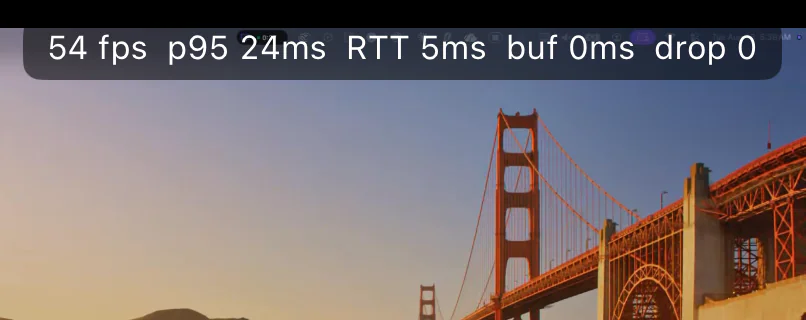
How much latency is there? Is it enough for games?
On the same Wi-Fi, network round-trip time (RTT) is usually in the single-digit milliseconds, streaming at 50–60 fps; the playback buffer adapts between 0–30 ms — near zero on a clean network, growing only when jitter appears. Action, platformer, and indie games feel fluid; for frame-critical competitive play, we recommend a physical controller and 5 GHz Wi-Fi. Turn on "Performance Info" in the app to see the measured numbers for yourself.
How do I get latency even lower?
① Use 5 GHz Wi-Fi and stay close to the router; ② wired Ethernet on the Mac works best; ③ turn off AirDrop receiving and Handoff on the Mac (AirDrop's wireless direct-link radio briefly leaves the Wi-Fi channel every second, causing periodic stutter — we pinpointed this from thousands of measured packets); ④ choose the "Smooth" quality mode.