
A profile for each game
One game wants WASD, the next wants arrows plus Z and X — you don’t have to rebuild the pad each time.
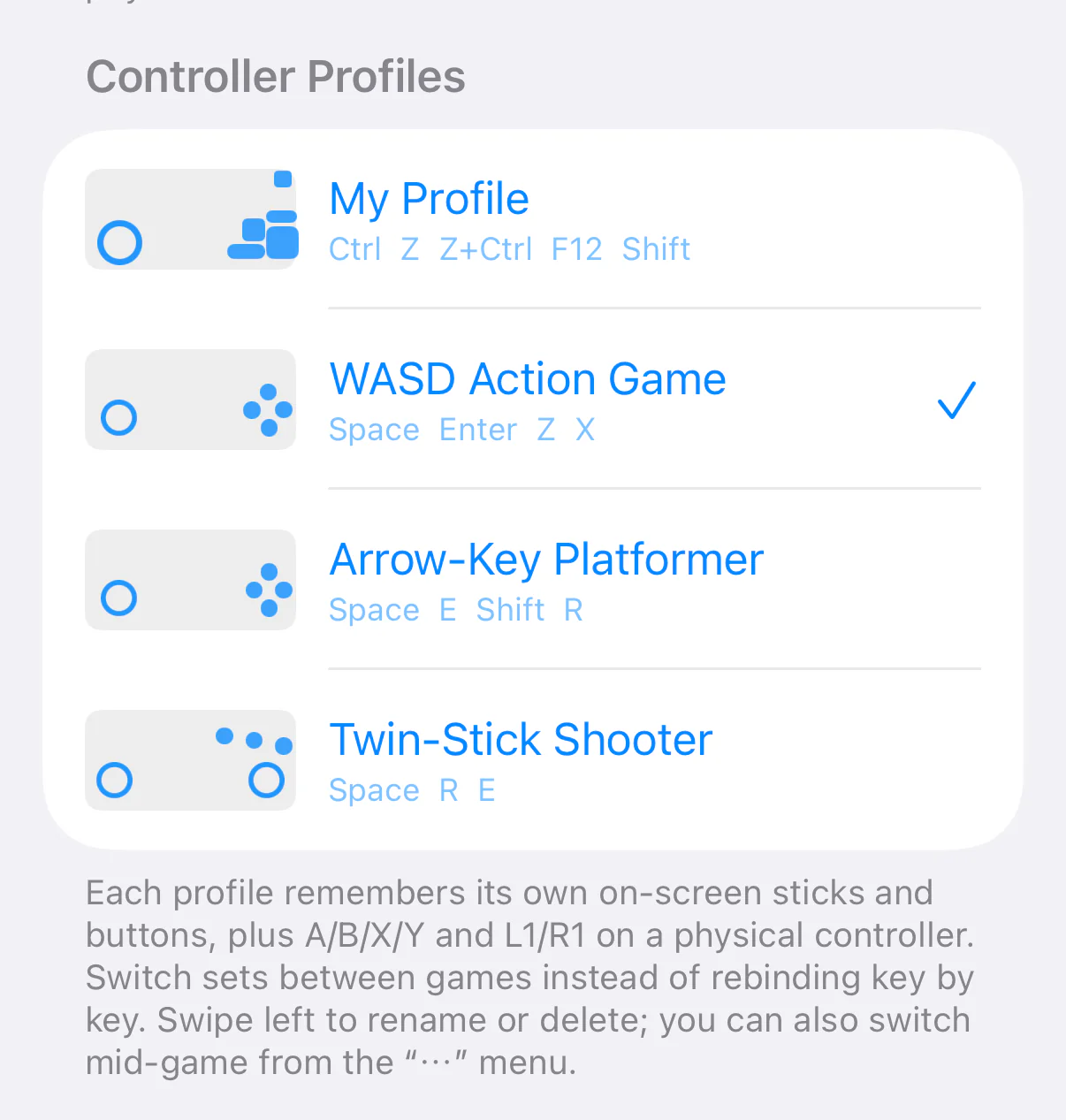
Go to Settings → Controller Profiles. Each profile remembers its own on-screen sticks and buttons, plus A/B/X/Y and L1/R1 on a physical controller. Switch sets between games instead of rebinding key by key.
Under Add Profile there are two starting points: Empty Profile gives you a bare screen to add sticks and buttons to, and Duplicate “…” copies an existing set for you to edit.
Swipe left to rename or delete. You can also switch mid-game from the “⋯” menu, without leaving the game.
Nothing is lost when you update. The single layout you had before becomes your first profile, “My Profile”, and it is the one already active.