TouchNow turns your iPhone into an extended display, game controller and touchscreen for your Mac — ultra-low-latency streaming and fully customizable virtual buttons, so you can play Mac games and drive your entire Mac from the couch.
Free forever on your local network. End-to-end encrypted. No account. On the same Wi-Fi, your screen never leaves home.
Real app, real screens
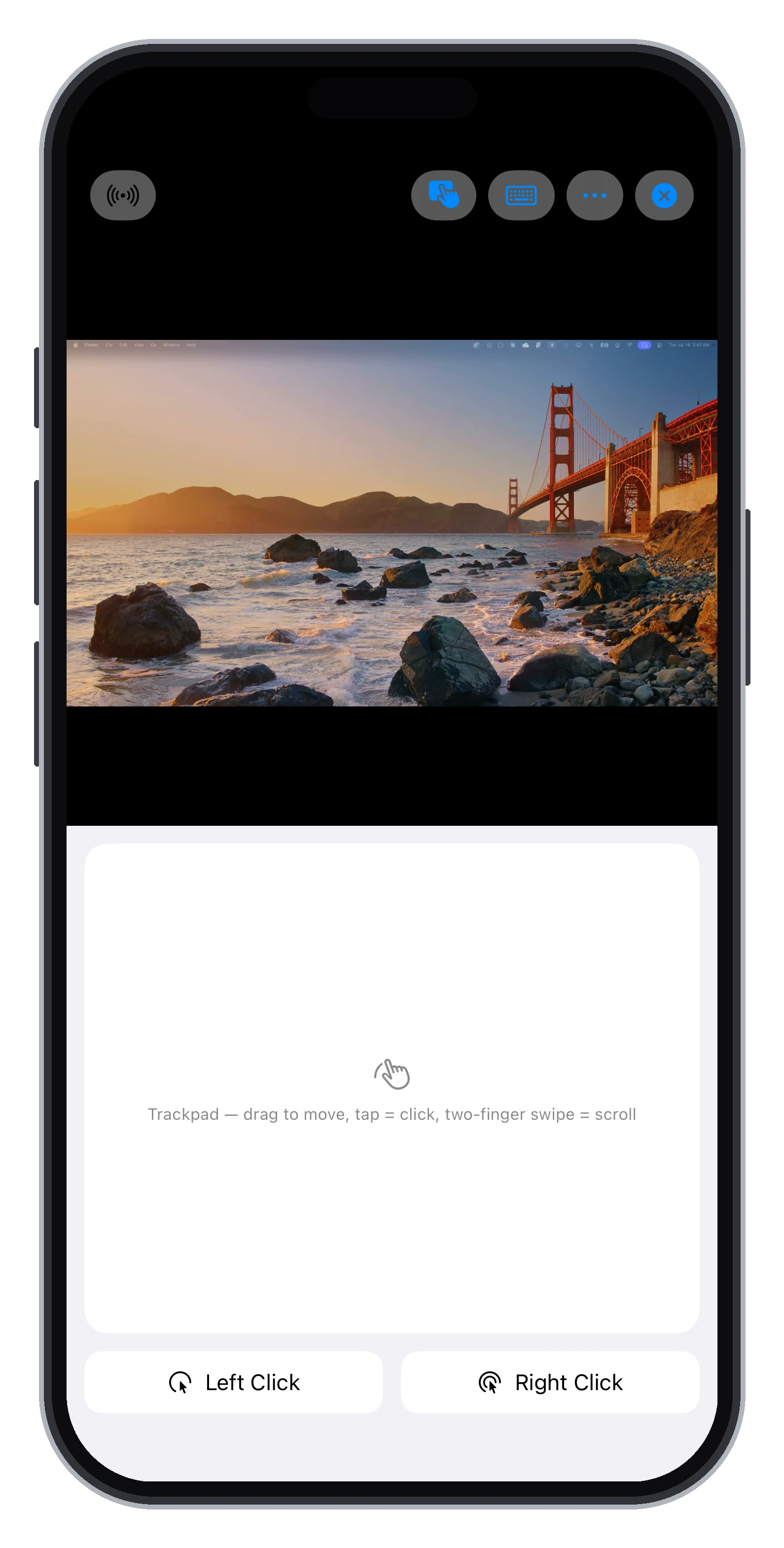
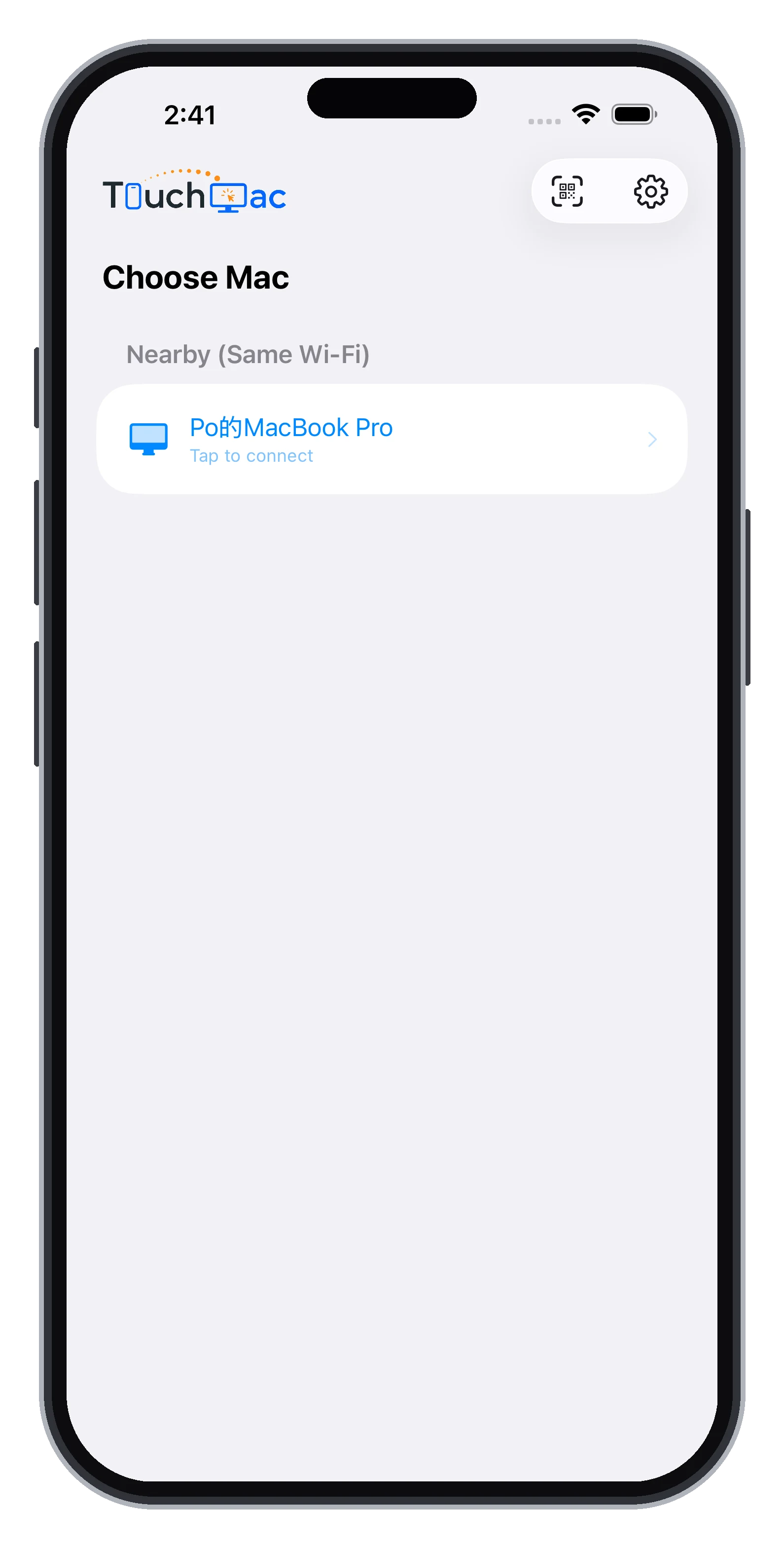
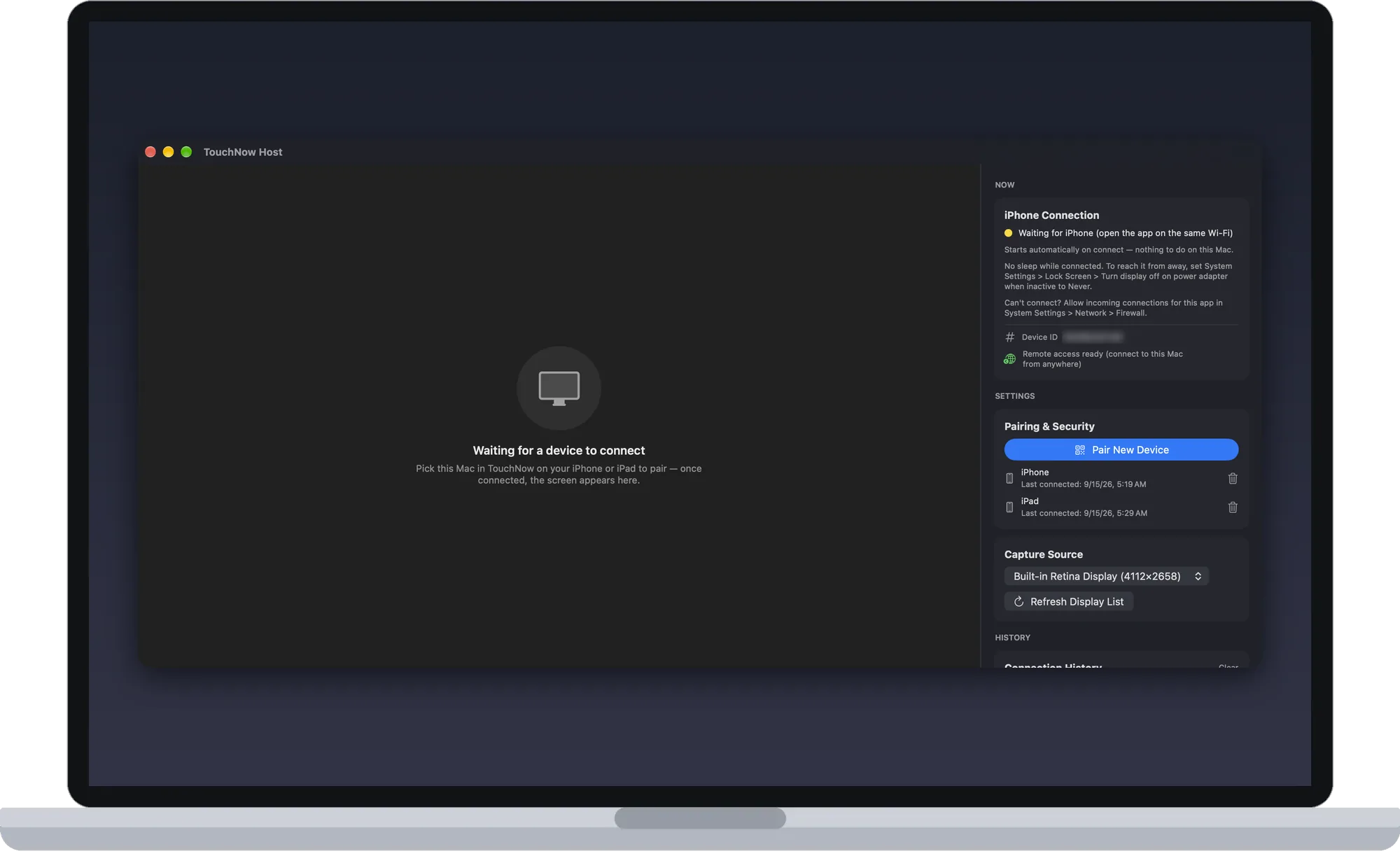
Streaming, gamepad, both roles — this is the actual app.

Three modes, one app
Virtual sticks and buttons map straight to keyboard input. A 50 ms heartbeat keeps keys alive so they never stick — and a physical controller takes over the moment you plug one in. How it works →
Your whole screen becomes a precision trackpad: drag to move, tap to click, two-finger scroll — with a built-in cursor magnifier that shows you every pixel. How it works →
Tap exactly where you mean. The stream is your touchscreen, backed by keyboard input and a Mac shortcut-gesture menu — zero learning curve.
Turn your iPhone into a real second desktop for your Mac — not a mirror, but its own space you can drag windows onto, behaving exactly like an external monitor. Switch it on from the menu when you need it, off when you don't. No extra hardware. How it works →
Stream just one Mac window to your iPhone — put Logic's control panel, a monitoring dashboard, or a chat window on your phone while your Mac screen keeps doing something else. Taps automatically raise the target window.
Drawn to match the real thing: Esc, F1–F12, arrow keys, ⌘⌥⌃⇧ combinations and caps lock. The iOS keyboard can't send a single one of these — and they're exactly what you need when driving a Mac. Sticky modifiers make combos work one-handed. How it works →
Measured 2026-09-08: MacBook Pro (M2 Pro) ↔ iPhone 16 Pro, 5 GHz Wi-Fi 6 at −46 dBm, direct peer-to-peer with no relay. 320 readings over 10 minutes while streaming 1920×1240 at 54 fps — median 5 ms, p95 9 ms. Network round trip only, not glass-to-glass. Turn on Performance Info in the app to measure your own.
Built for play
Parsec has no iOS app, Sunshine can't inject controller input on the Mac, and Steam Link is locked to Steam — TouchNow is the only option that does controller, screen, keyboard, and mouse in full.
Not a canned four-button gamepad. Your game, your layout.
Every link in the chain is built for real-time control, not for watching videos.
The number-one complaint against the big remote tools is "won't connect, freezes dead." We made reconnection good enough to put in the copy.
60 seconds to play
Download the free TouchNow Host from touchmac.app (it is not on the Mac App Store), grant the permissions, and it stands by.
Scan the QR code on your Mac's screen to complete encrypted pairing; not near the Mac? Pair remotely with an encrypted pairing code plus PIN. Connect once within 10 minutes to complete enrolment; after that it stays valid long-term and can be revoked anytime.
Your Mac is found automatically on the same Wi-Fi. Lie down. Play.
Why TouchNow
| TouchNow | Steam Link | Moonlight | Traditional remote desktop | |
|---|---|---|---|---|
| Full Mac host support | ✓ | Steam games only | Incomplete on Mac | ✓ |
| Custom controller layouts / key combos | ✓ Fully customizable | Fixed layout | No remapping | ✕ |
| Zero-setup pairing (QR / auto-discovery) | ✓ | Steam account required | PIN + firewall | Usually needs an account |
| Single-app window streaming | ✓ | ✕ | ✕ | ✕ |
| Trackpad / direct touch / keyboard | ✓ All three modes | ✕ | Basic | ✓ |
| Auto-reconnect with visible progress | ✓ | Drops when backgrounded | Unstable | Depends on product |
| No account · Direct P2P, relay only if needed | ✓ | ✕ | ✓ | Usually relayed |
| Full Mac keyboard (Esc / F1–F12 / ⌘⌥⌃⇧) | ✓ Whole MacBook layout | ✕ | Basic | Partial |
Private by design
TouchNow needs no account and stores nothing in the cloud. Connections go peer-to-peer between your devices wherever possible, with cryptography guarding every step.
Download TouchNow — your Mac is in your hands 60 seconds from now.