
A full MacBook keyboard
Esc, F1–F12, arrow keys and ⌘⌥⌃⇧ — none of which the iOS system keyboard can send.
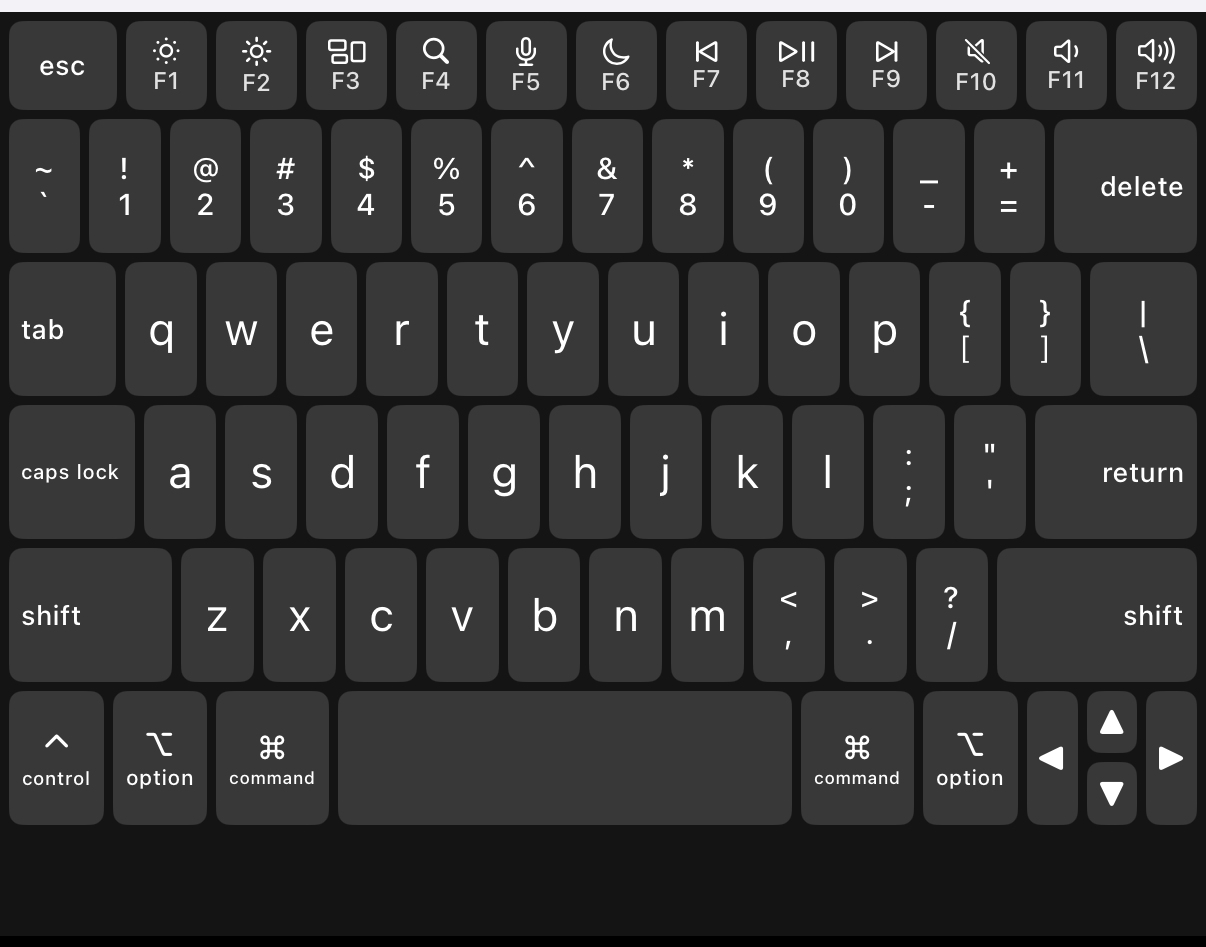
The iOS keyboard can't send Esc, ⌘ or arrow keys. What do I do?
Turn on the MacBook keyboard in TouchNow's Settings. It's a full MacBook layout — Esc, F1–F12, arrow keys, ⌘⌥⌃⇧ combinations and caps lock all get through, none of which the iOS keyboard can send. Modifiers are sticky: tap one and it lights up, tap the next key and it releases, so ⌘Q and ⌘Tab work one-handed. Double-tap to lock a modifier for repeated use.
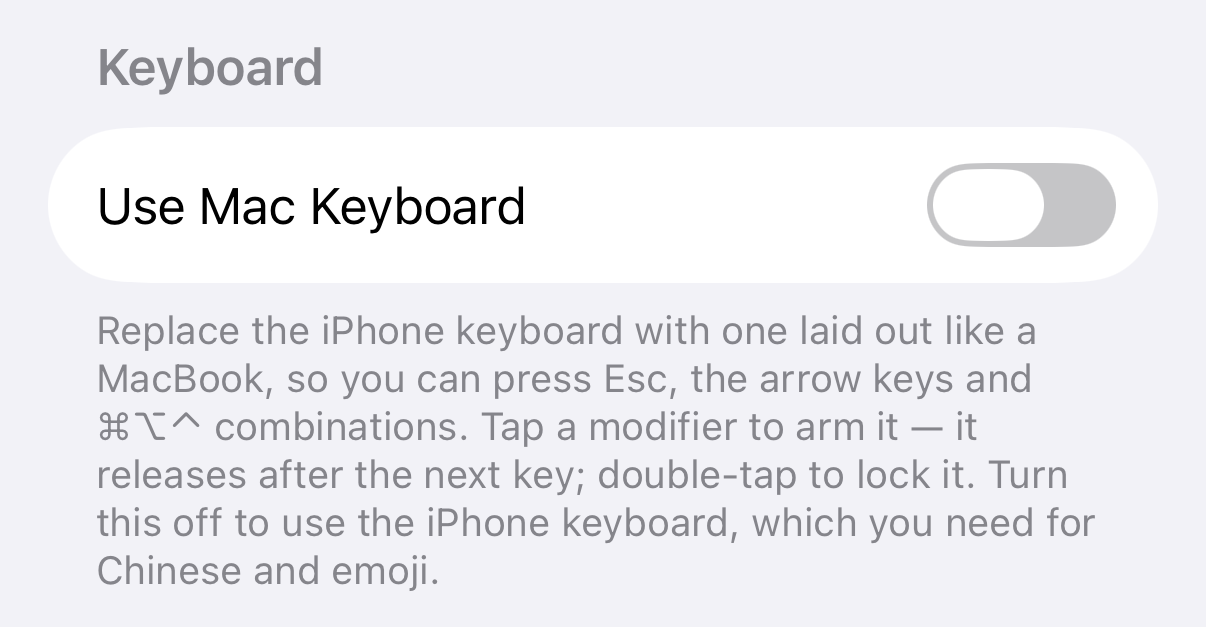
Turning it on in Settings
Replace the iPhone keyboard with one laid out like a MacBook, so you can press Esc, the arrow keys and ⌘⌥⌃ combinations. Tap a modifier to arm it — it releases after the next key; double-tap to lock it. Turn this off to use the iPhone keyboard, which you need for Chinese and emoji.
How you press ⌘Q
Tap ⌘ — it lights up — then tap Q. The ⌘ releases itself and the shortcut is sent. To use the same modifier several times in a row (⌘C then ⌘V), double-tap ⌘ to lock it, and tap once more to release.
When to turn it off
Turn it off for Chinese or emoji and use your iPhone’s own keyboard — the MacBook keyboard has no input methods. You can switch between the two at any time without reconnecting.